Add the items to the order
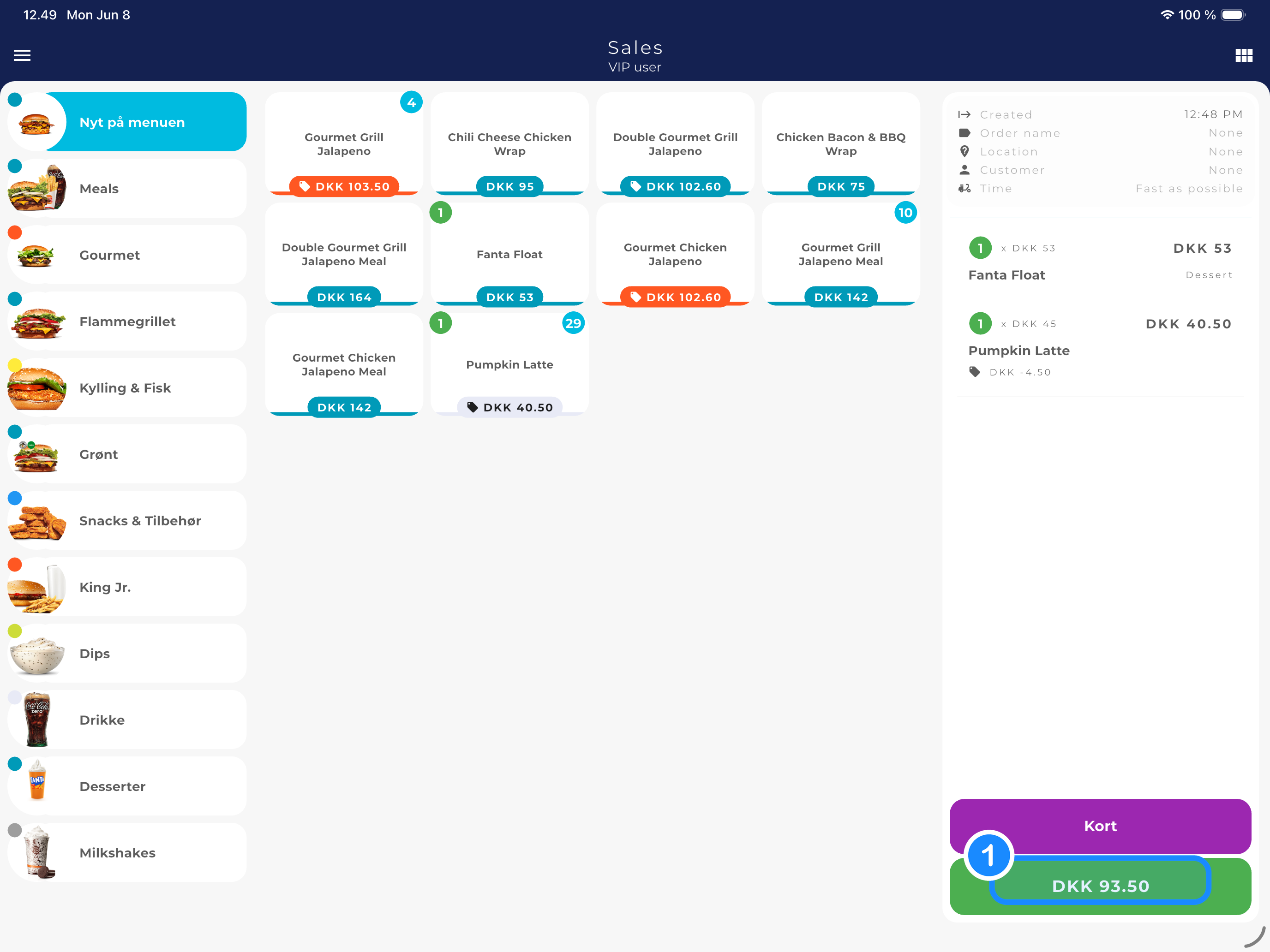
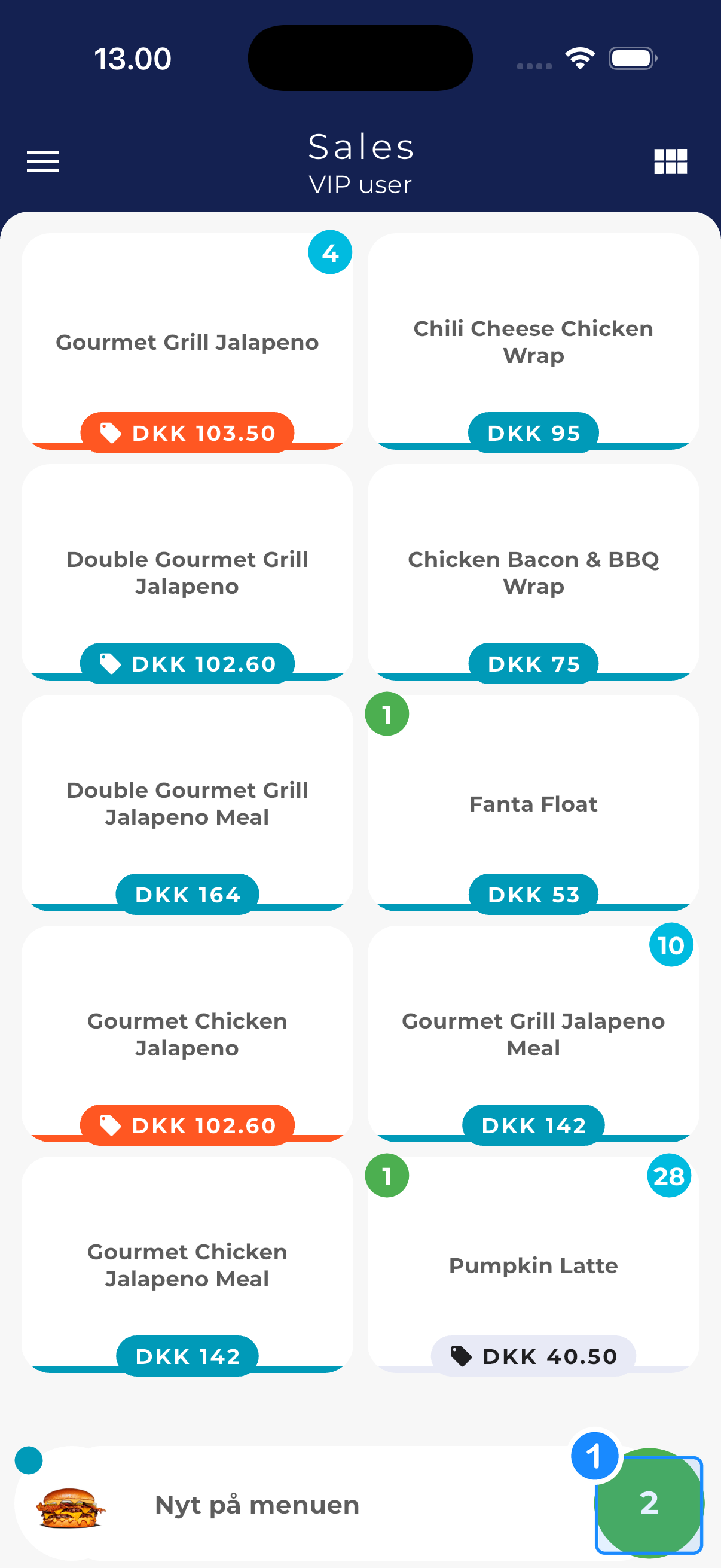
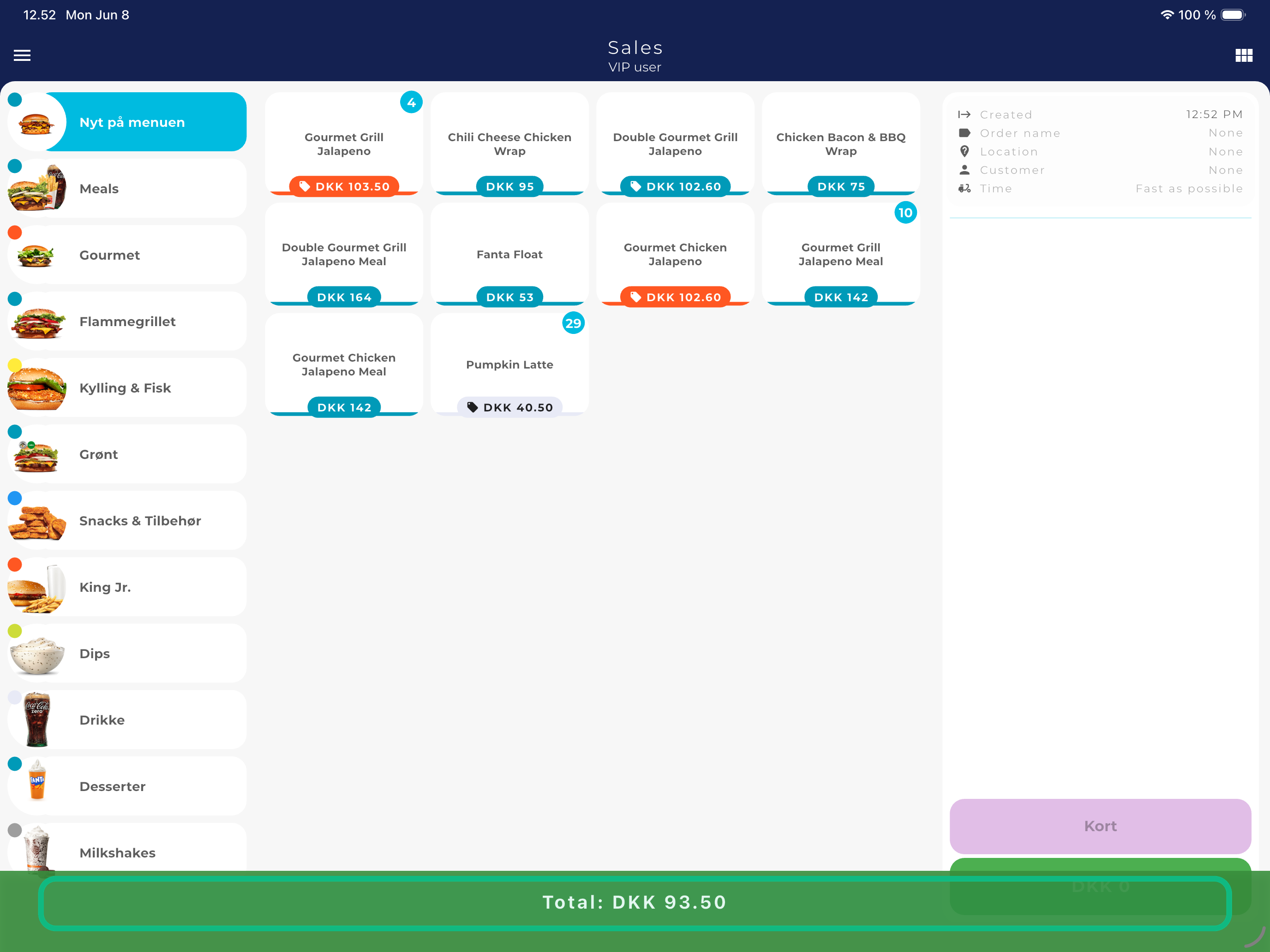
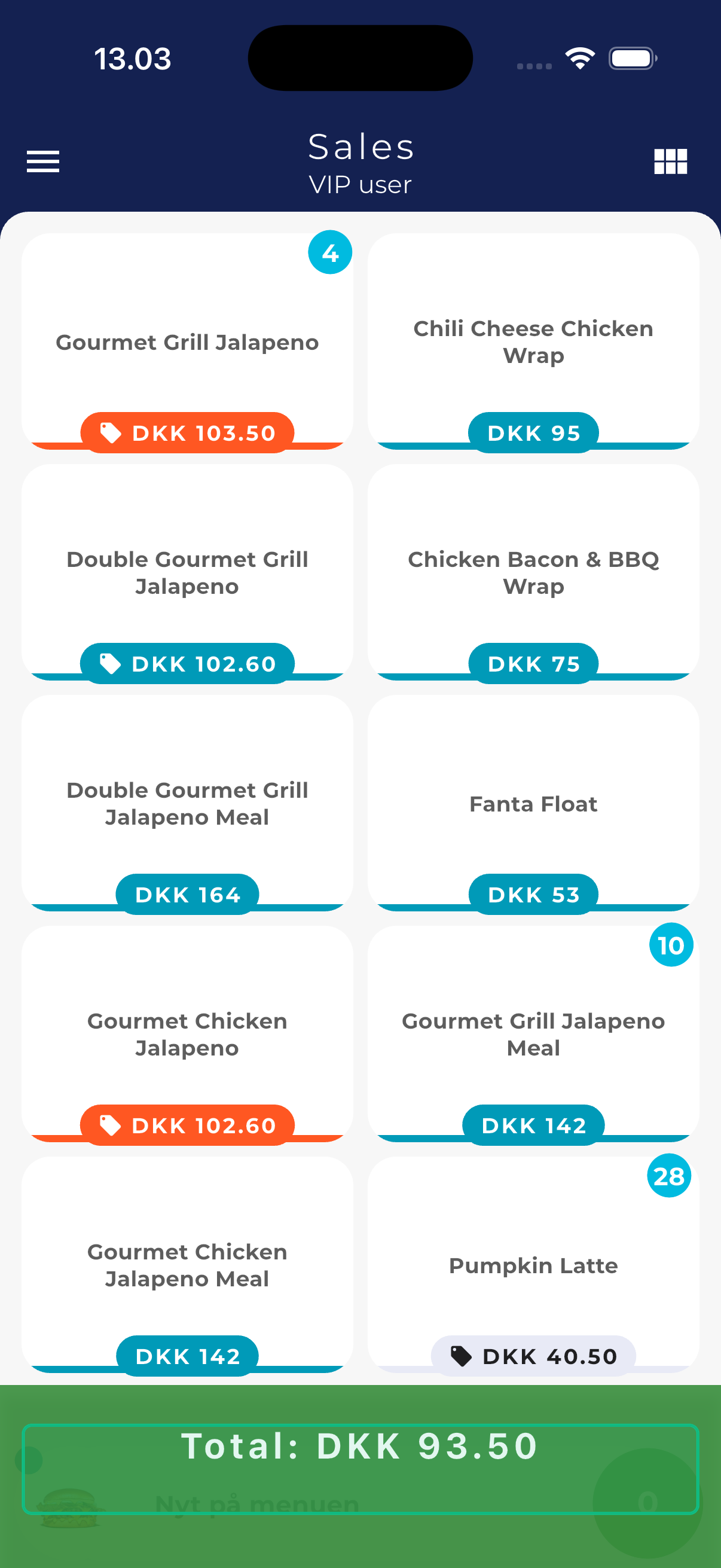
Select the items the guest is buying on the sales screen (Sales). Then tap the green total button ① to go to payment.
In this example two items have been added, totalling DKK 93.50.
How to
When a guest leaves a tip in cash, you record it directly on the payment screen. Tips are kept separate from the item total, making them easy to settle with staff afterwards.
💡 Tip: Click any screenshot to view it larger. The blue markers show where to tap.
Select the items the guest is buying on the sales screen (Sales). Then tap the green total button ① to go to payment.
In this example two items have been added, totalling DKK 93.50.
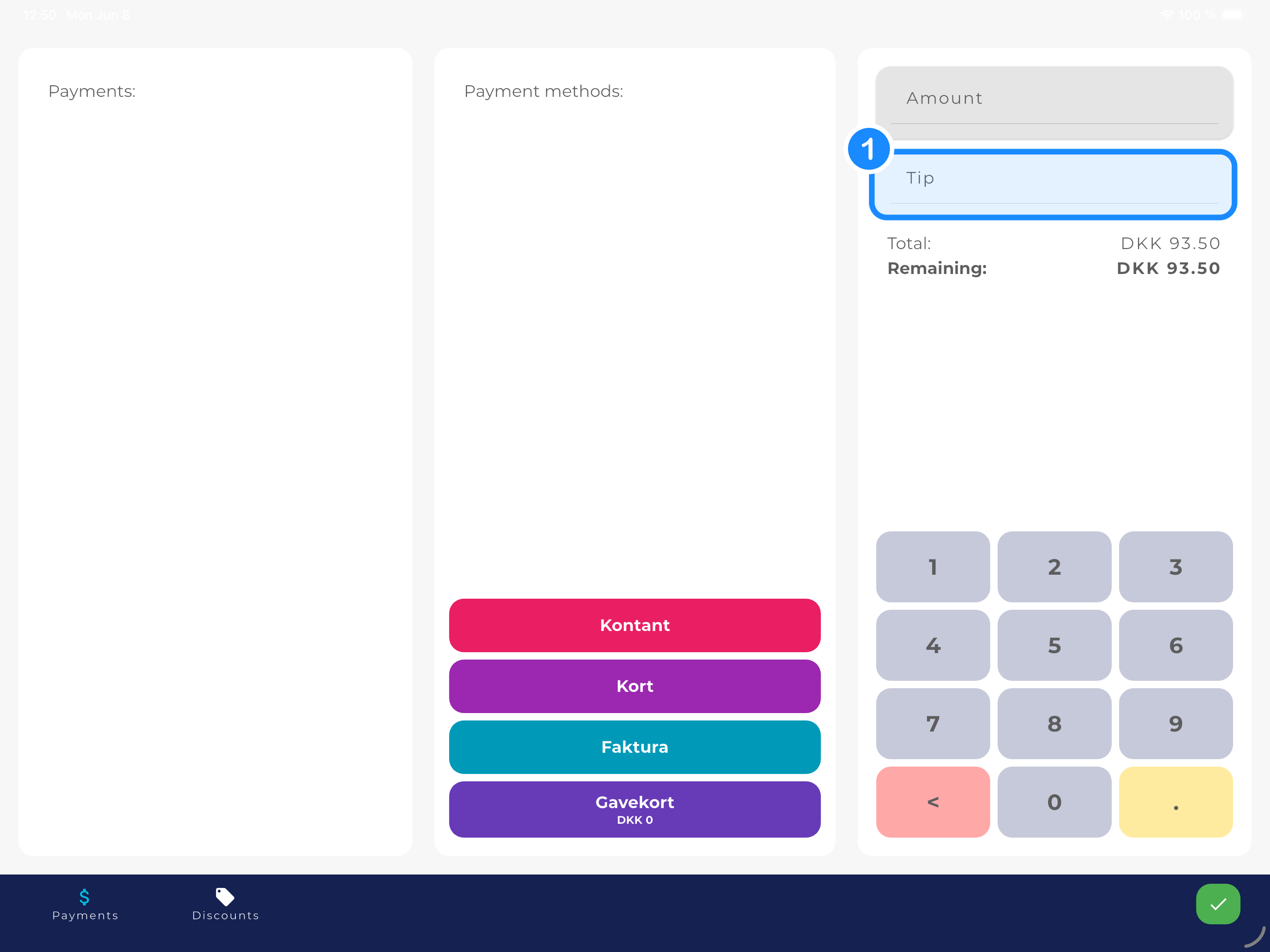
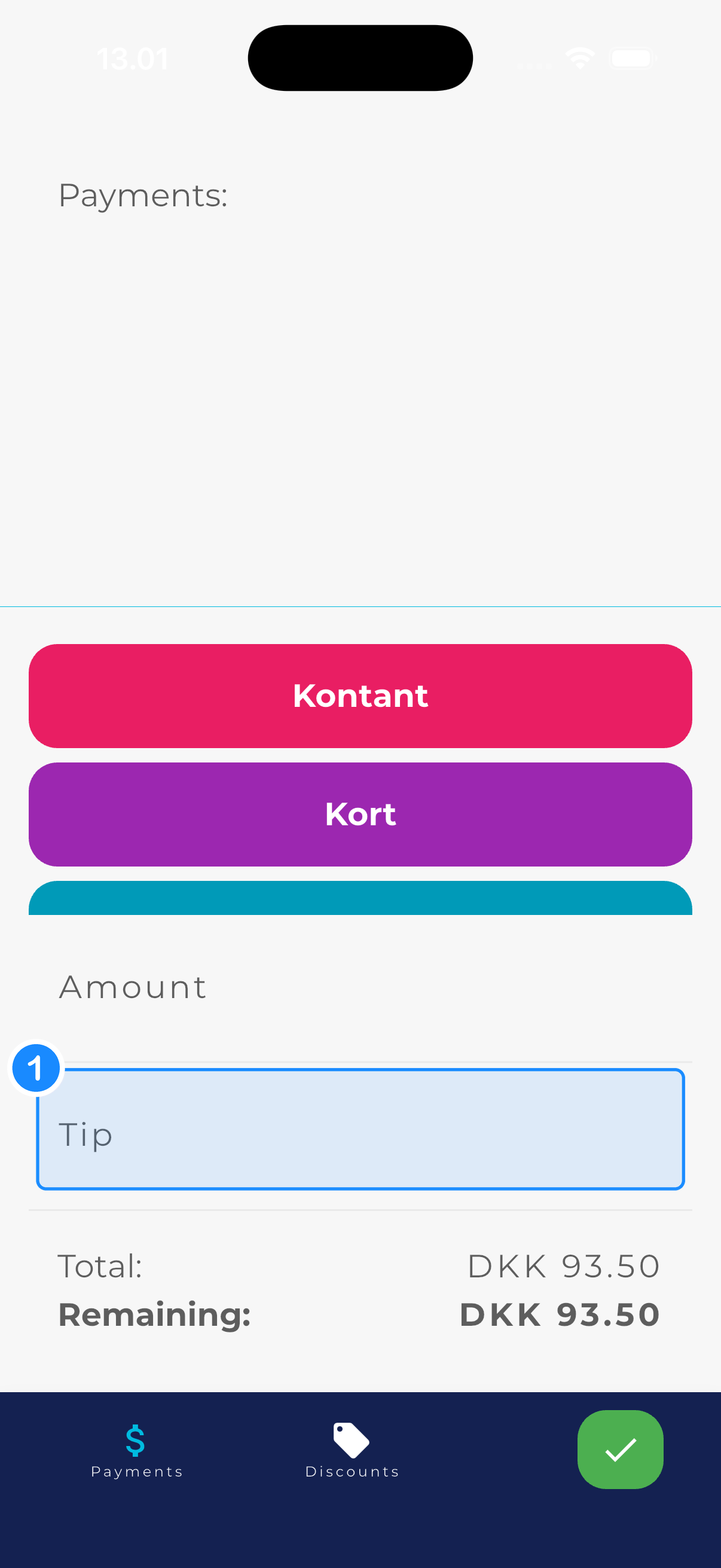
You're now on the payment screen, showing the Amount and Tip fields along with the payment methods.
Tap the Tip field ① so it becomes selected.
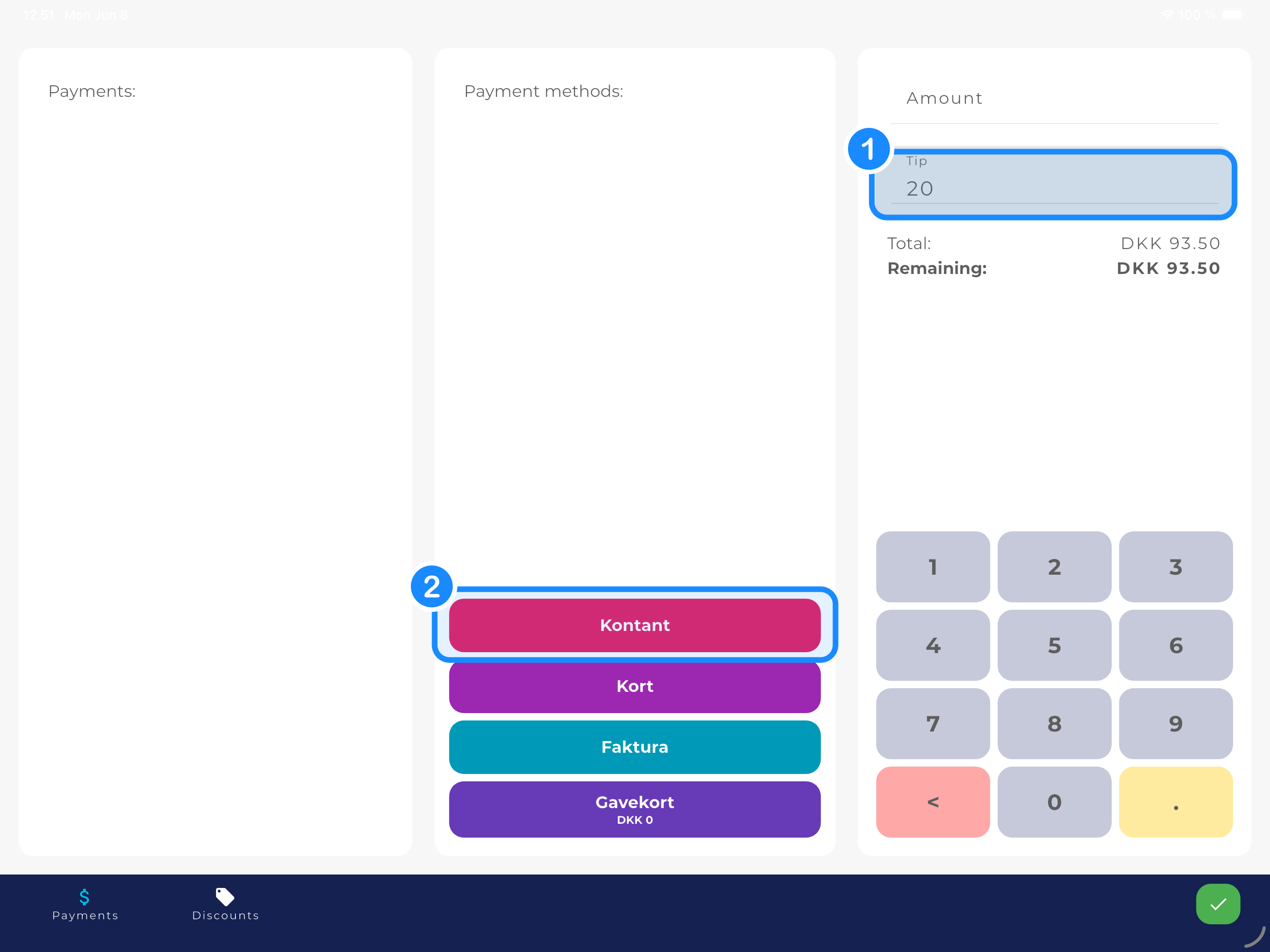
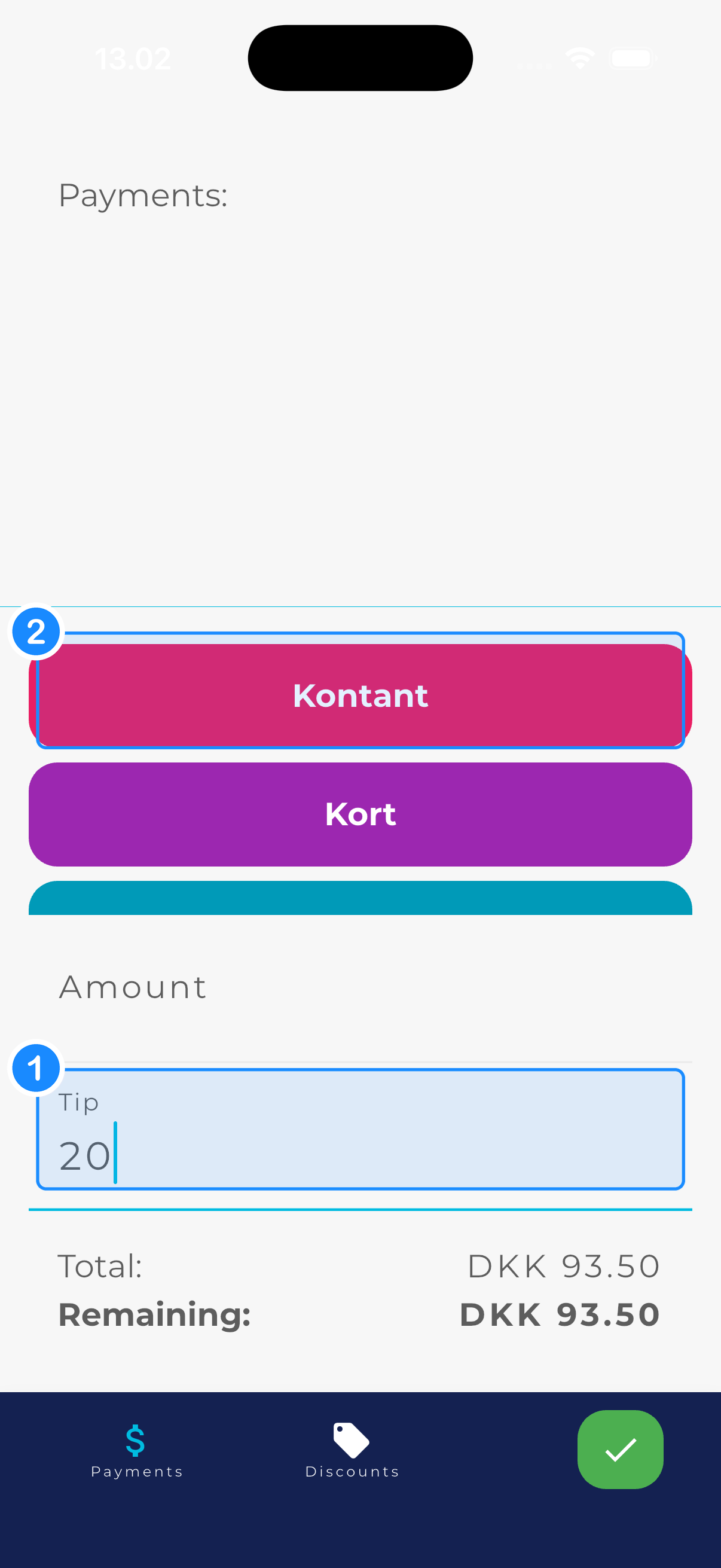
① Enter the tip. On tablet you use the built-in number pad; on phone the keyboard appears. Here 20 is entered.
② Tap Kontant (cash) to complete. Leave the Amount field empty — the cash payment then automatically covers the full remaining amount.
You get a green confirmation that the payment went through — including the tip.
If the order has more courses, the app asks “This order has more courses!” — tap Yes to complete.
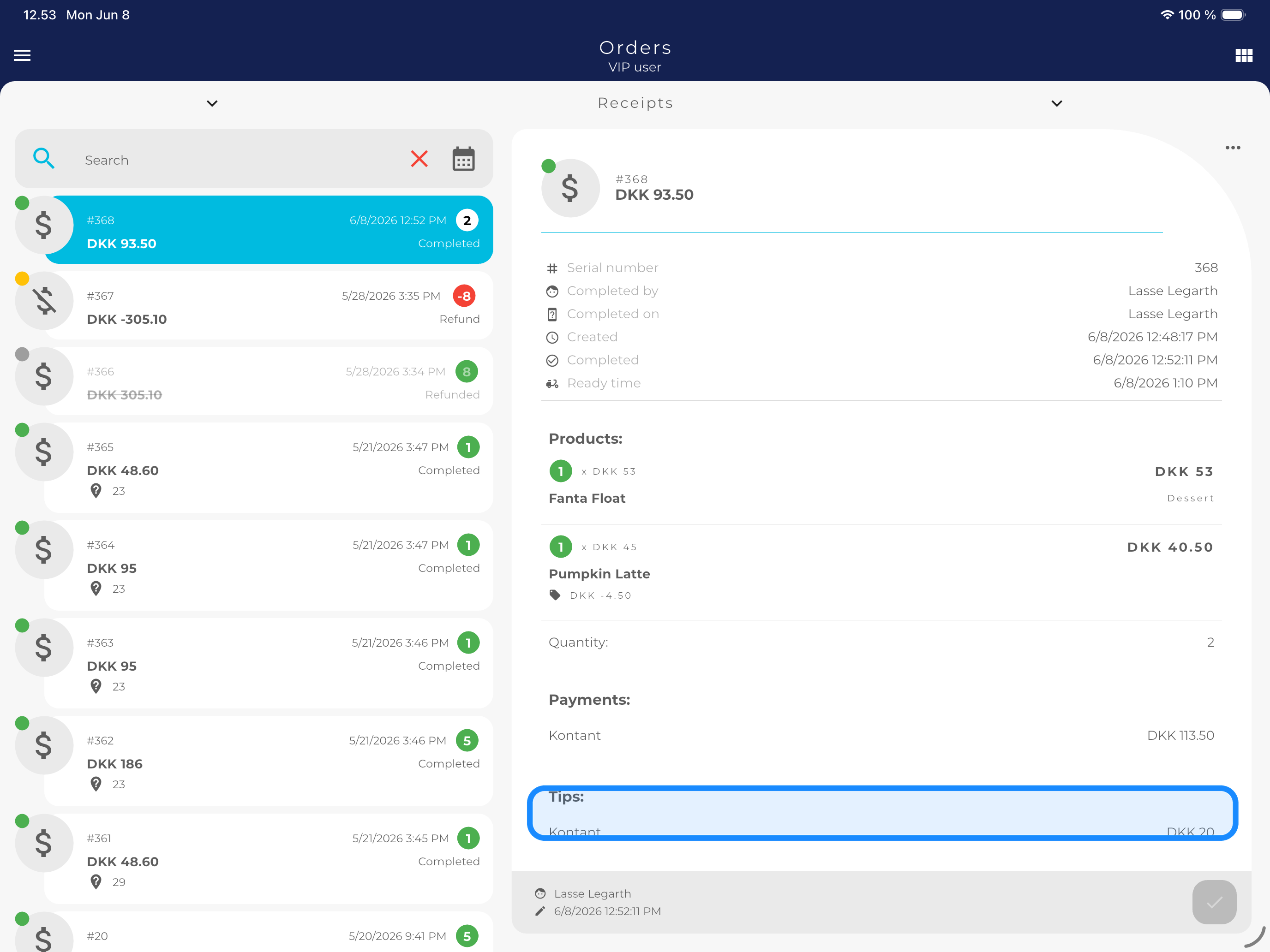
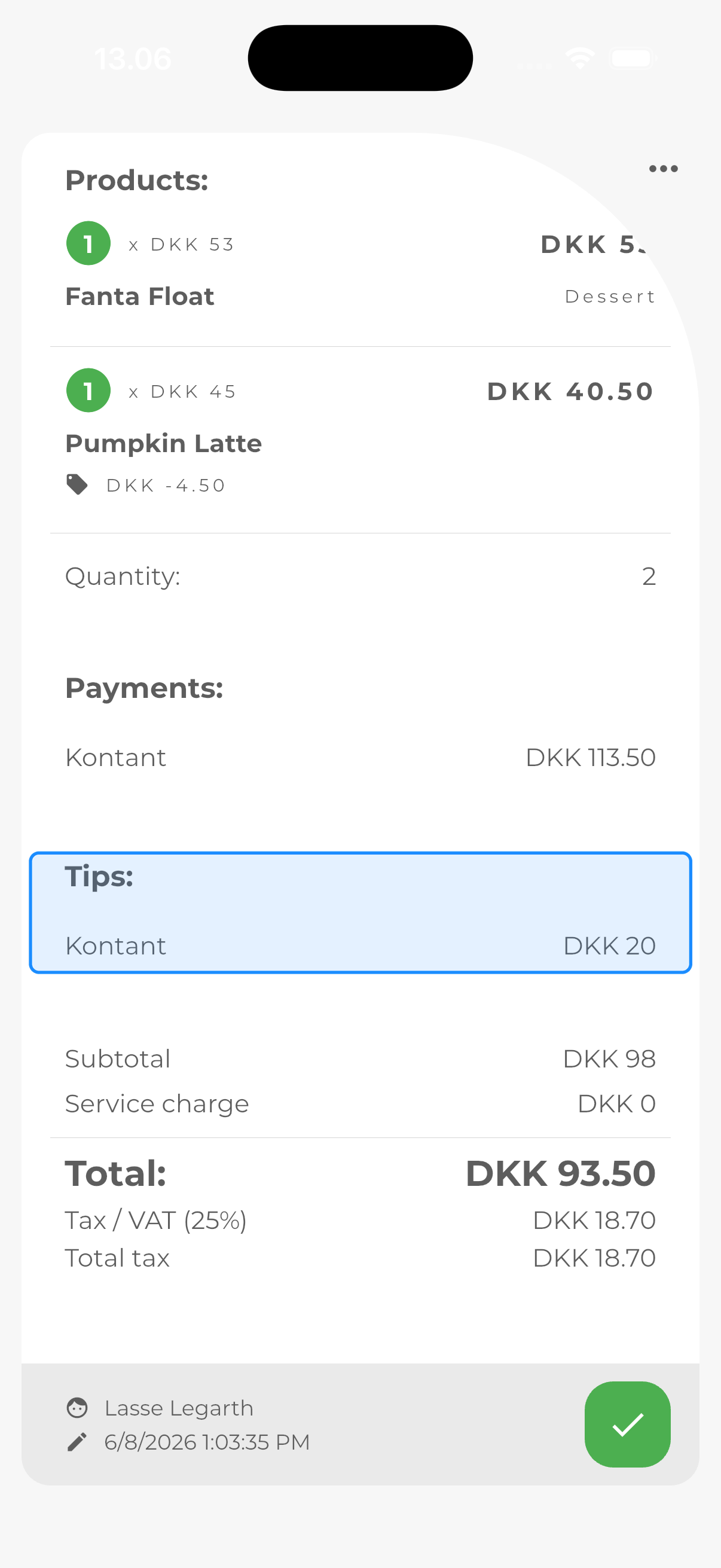
You can always see the tip again under Orders. Open the order to see:
Tips: Kontant — the tip you entered (DKK 20 here).
Payments: Kontant — the total amount received (DKK 113.50).